

What Should a Small Business Website Include? A Practical Checklist
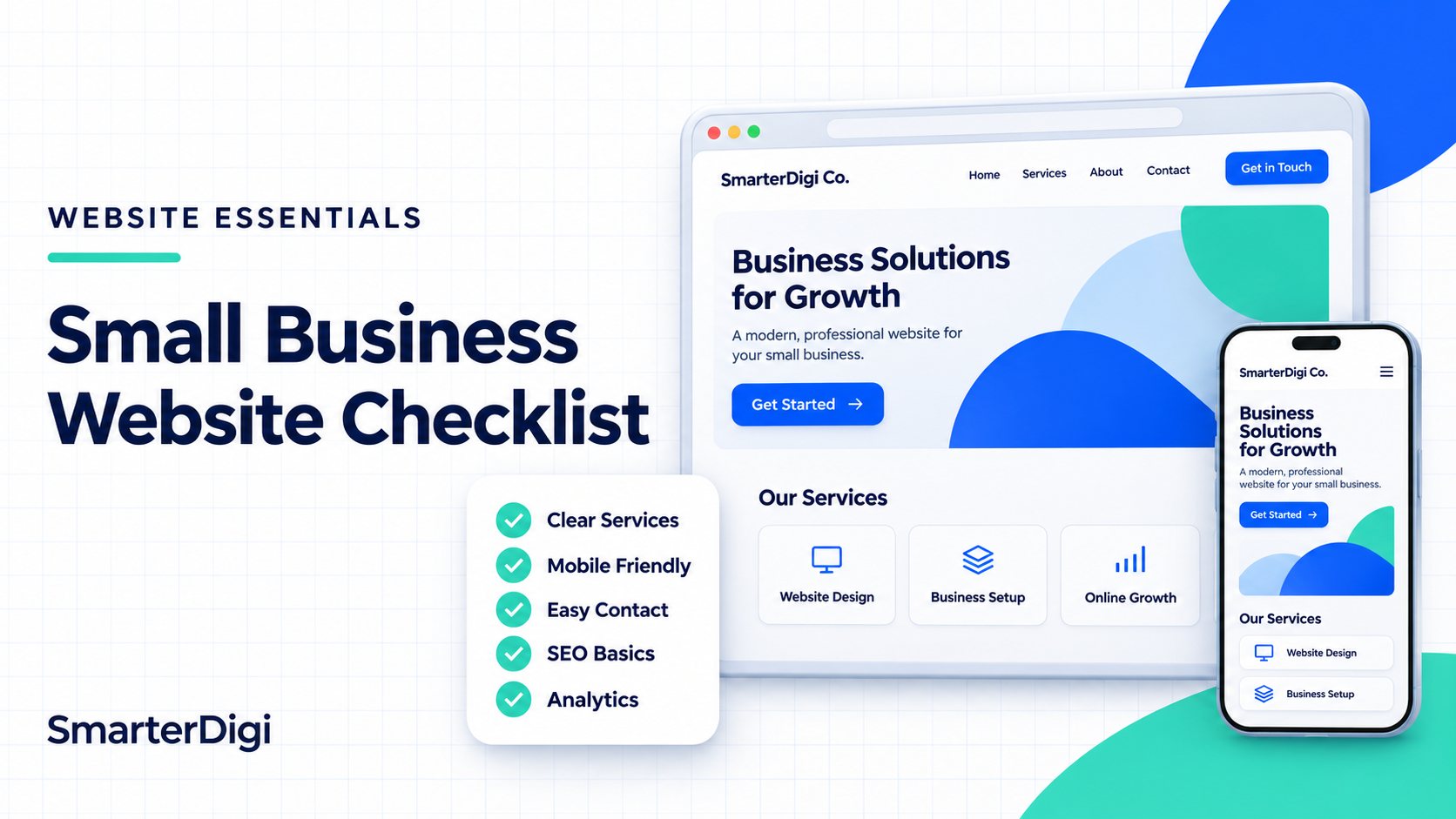
A small business website should explain what you offer, help visitors trust your business, and make it easy to take the next step. It also needs a sound technical foundation so search engines can discover and understand its pages.
In my experience building websites, the right checklist depends on the business. A therapist needs a different website from a salon or a contractor. However, clear service information, simple navigation, useful content, and accessible contact options matter across all of them.
My recommendation is to start with the pages and features your customers actually need. This small business website checklist explains what I would prioritize, why each element matters, and which mistakes to avoid.
1. A Homepage That Clearly Explains Your Business
When someone lands on your homepage, they should quickly understand what your business does, who you help, and how to contact you.
One problem I often notice is that websites focus on appearance without making the service clear. A polished design still needs a useful message.
Your homepage should include:
- A clear headline explaining your main service.
- A short introduction describing who you help.
- Your service area, if location matters.
- An overview of your main services.
- Relevant evidence that builds trust.
- A clear next step, such as calling or booking.
Location details should help visitors understand whether you can serve them. Include them naturally rather than repeating city names throughout the page.
Make Your Main Call to Action Specific
Use button text that tells visitors what will happen next. Depending on the business, that could be “Book an Appointment,” “Request a Quote,” or “Schedule a Consultation.”
Place the main call to action near the top of the homepage and repeat it where visitors have enough information to make a decision.
2. Enough Useful Pages to Explain Your Business
For many small service businesses, I recommend starting with around five to seven useful pages. That is my practical starting point, rather than a requirement for Google rankings.
A business with several distinct services may need more pages. A business with one straightforward offering may need fewer. The goal is to give important topics enough space without creating pages that repeat the same information.
A starting structure could include:
- Home.
- About.
- Services.
- Individual pages for priority services.
- Contact.
- Testimonials or a work gallery, where useful.
FAQs can appear on the relevant service pages. Testimonials can also appear throughout the website instead of requiring a separate page.
Give Distinct Services Their Own Pages
A service overview page helps visitors see what you offer. Individual service pages let you explain each offering in greater detail.
Each service page should answer:
- What is the service?
- Who is it suitable for?
- What does it include?
- How does the process work?
- What should a customer know before enquiring?
- How can they get started?
For example, someone researching website design and development services needs information about the website-building process, what is included, and how to discuss a project. That deserves a focused explanation rather than a brief mention among unrelated services.
Create a separate page when you have enough useful, distinct information to justify it. Changing a heading while repeating the same content adds little value for visitors.
3. An About Page That Builds Confidence
Your About page should help visitors understand who they would be working with and why your business is a suitable choice.
I recommend including:
- Who you are.
- What your business specializes in.
- Relevant experience and qualifications.
- Your approach to working with customers.
- Your location or service area.
- Real team or business photographs, where appropriate.
Be specific. Explaining how you communicate, deliver your service, or support customers is more useful than making broad claims about being the best.
For businesses such as therapy practices, visitors may also need clear information about each provider’s professional background and areas of practice.
4. Clear, Current, and Helpful Content
Outdated or unclear content is one of the issues I frequently notice when reviewing small business websites.
Visitors need accurate information about your services, availability, process, and contact details. Missing or inconsistent information makes it harder to decide whether to contact you.
Good website content should:
- Explain services in plain language.
- Answer questions customers commonly ask.
- Reflect what the business currently offers.
- Use descriptive headings.
- Include relevant search terms naturally.
- Guide readers toward an appropriate next step.
SEO-friendly content starts with being useful. Adding keywords to a page does not replace explaining the service properly.
Write for the Questions Behind the Search
Someone searching for a service often needs more than a short description. They may want to know whether it suits their situation, what happens during the first appointment, how long the process takes, or how pricing works.
Answer the questions you hear during real customer conversations. Those details make your content more useful and specific to your business.
5. Simple Navigation and a Comfortable Mobile Experience
Poor UI and UX are common problems I see on existing websites. Visitors may struggle to find services, understand the menu, or locate a contact button.
Use familiar menu labels such as Home, About, Services, and Contact. If you offer several services, organize them so visitors can find the relevant one without guessing.
On mobile, check that:
- Text is readable without zooming.
- Buttons are easy to tap.
- Menus open and close properly.
- Content fits the screen.
- Forms are comfortable to complete.
- Phone numbers can be tapped to call.
Test the actual tasks a customer would perform. Try finding a service, reading about it, and submitting an enquiry from your phone.
Include Basic Accessibility Features
Include readable color contrast, descriptive links, properly labelled form fields, and meaningful alternative text for informative images. Visitors should also be able to navigate interactive elements using a keyboard.
These details should be part of the design and development process.
6. Clear Contact and Booking Options
For a therapist, the next step might be requesting a consultation. For a salon, it could be booking an appointment. For another service business, it may be requesting a quote.
Your Contact page should include the details relevant to your business:
- A phone number.
- An email address or enquiry form.
- Business hours.
- Your service area.
- A public business address, if customers visit it.
- A booking link, if you accept appointments online.
Keep forms focused. Ask for the information needed to respond, and explain what happens after submission. For sensitive services, a general enquiry form should focus on basic contact and scheduling information rather than requesting detailed personal information.
Test the Entire Enquiry Process
A form that looks correct may still fail to deliver messages. Before launch, submit a test enquiry and confirm that:
- Required fields work correctly.
- Errors are easy to understand.
- A confirmation appears after submission.
- The enquiry reaches the correct inbox.
- Someone is responsible for responding.
Repeat this check after changes to your forms, email settings, or booking system.
7. Genuine Trust Signals
Visitors need reasons to feel comfortable choosing your business. Useful trust signals include:
- Genuine customer testimonials.
- Relevant qualifications or credentials.
- Real project photographs.
- A portfolio or work gallery.
- Clear explanations of your process.
- Accurate business information.
Use testimonials with permission and keep their meaning intact. Avoid publishing claims or results you cannot support.
A gallery is especially helpful when customers need to see your work before enquiring. Add context explaining the project or service rather than relying on images alone.
8. FAQs That Help Customers Make Decisions
FAQs should answer practical questions that could otherwise delay an enquiry. Useful topics include:
- How appointments or consultations work.
- What is included in a service.
- Which areas you serve.
- How pricing is determined.
- What customers should prepare.
- How long a typical project or appointment takes.
Place service-specific questions on the matching service page. A separate FAQ page can help when broader questions apply across the business.
I recommend using questions customers actually ask. An FAQ section should help readers understand your business rather than exist only to repeat keywords.
9. Essential SEO and Technical Setup
A website needs more than good copy and an attractive layout. Its technical setup should support discovery, indexing, and a reliable user experience.
The essentials include:
- Descriptive page titles.
- Relevant meta descriptions.
- A clear heading structure.
- Clean, readable URLs.
- Internal links between related pages.
- Appropriate canonical URLs.
- An XML sitemap.
- Crawl settings that allow intended public pages to be accessed.
- HTTPS.
- Appropriate structured data where applicable.
Page titles and headings should describe the actual content. Meta descriptions should accurately summarize the page and give searchers a reason to visit. No individual tag guarantees rankings.
Check That Important Pages Can Be Indexed
Before launching, check that important public pages are not accidentally blocked or marked with a noindex directive.
Also check that internal links point to the correct URLs and that the sitemap contains the pages you want search engines to discover.
A page being accessible does not guarantee indexing or rankings. However, avoidable technical barriers can undermine otherwise useful content.
Check Performance Before Launch
Use appropriately sized images, avoid unnecessary scripts, and check how quickly important pages become usable on mobile.
Test the homepage, a service page, and the contact or booking process. A fast homepage alone does not tell you whether the rest of the website works well.
10. Search Console, Analytics, and Tracking
I consider measurement an important part of a small business website setup. It helps the owner understand what happens after launch.
Google Search Console, analytics, and Google Tag Manager serve different purposes.
Google Search Console
Search Console helps you monitor how your website appears in Google Search, including search queries, clicks, impressions, and indexing information.
Verifying ownership gives you access to reporting. Verification itself does not improve rankings.
Google Analytics
Analytics helps you understand how visitors arrive and what they do on the website.
Measure meaningful actions, such as successful enquiry submissions or completed bookings, where your implementation supports them. A click on a phone number or booking button indicates interest but does not necessarily confirm a completed call or appointment.
Google Tag Manager
Google Tag Manager helps manage tracking tags. It can be useful when your website needs several tracking tools or interaction events.
It is optional. A small website can have analytics installed directly without using Tag Manager.
Whichever approach you choose, test the tracking, avoid duplicate installations, and account for privacy and consent requirements relevant to your website.
A Practical Example: Un-Tangled Minds Therapy
When we worked on the WordPress website for Un-Tangled Minds Therapy, the existing site had around two to three pages.
From my review, the UI and UX needed improvement, the content did not explain the business well enough, and important page tags were missing.
We expanded the website to around 12 pages, giving individual services their own pages and improving the About, service, and Contact content.
The purpose was to give visitors clearer information and a more useful path through the website. Each service had room for an explanation instead of being compressed into a small number of pages.
The lesson is that the structure should reflect the business’s services and the information customers need. It does not mean every small business needs 12 pages.
This example illustrates the changes we made; it does not establish a measured improvement in rankings or enquiries.
What I Would Prioritize on a Limited Budget
For a small business starting with a limited budget, I would focus first on a clear message, useful service content, simple navigation, and an easy way to enquire.
My initial priorities would be:
- A homepage that explains the business.
- An About page with credible information.
- Clear service information, with separate pages where justified.
- A working Contact page or booking process.
- Mobile usability.
- Essential SEO setup.
- Search Console and appropriate analytics.
- Genuine testimonials or work examples, when available.
A large blog, extensive gallery, or advanced interactive features can follow when there is a clear reason to add them.
Build a useful foundation first, then expand based on customer questions, business needs, and what your performance data shows.
Small Business Website Checklist Before Launch
Before publishing, work through the website as if you were a new customer.
- Can you quickly understand what the business offers?
- Is the service area clear where relevant?
- Does each important service have enough explanation?
- Are the About and Contact details accurate?
- Is navigation easy to use on mobile?
- Are calls to action specific and visible?
- Do forms and booking links work?
- Are testimonials and credentials genuine?
- Does the content answer common customer questions?
- Do pages have appropriate titles and meta descriptions?
- Can important public pages be crawled?
- Are images optimized and pages reasonably quick to load?
- Is measurement configured and tested?
- Is someone responsible for keeping the website updated?
A small business website needs ongoing attention. Review service information, test contact options, and update content when your business changes.
Need Help Planning Your Small Business Website?
At SmarterDigi, we help businesses plan their websites alongside their wider digital marketing needs.
Whether you are starting a new website or improving an existing one, begin with what your customers need to understand and do. Explore our website development service to discuss the pages, content, and features that fit your business.
The Author
Meraj Ahmad
Founder, developer, and SEO strategist with 10+ years of experience building websites and digital solutions. Worked with brands like Short Story Lovers, The Muthoot Group, and IFFCO.