

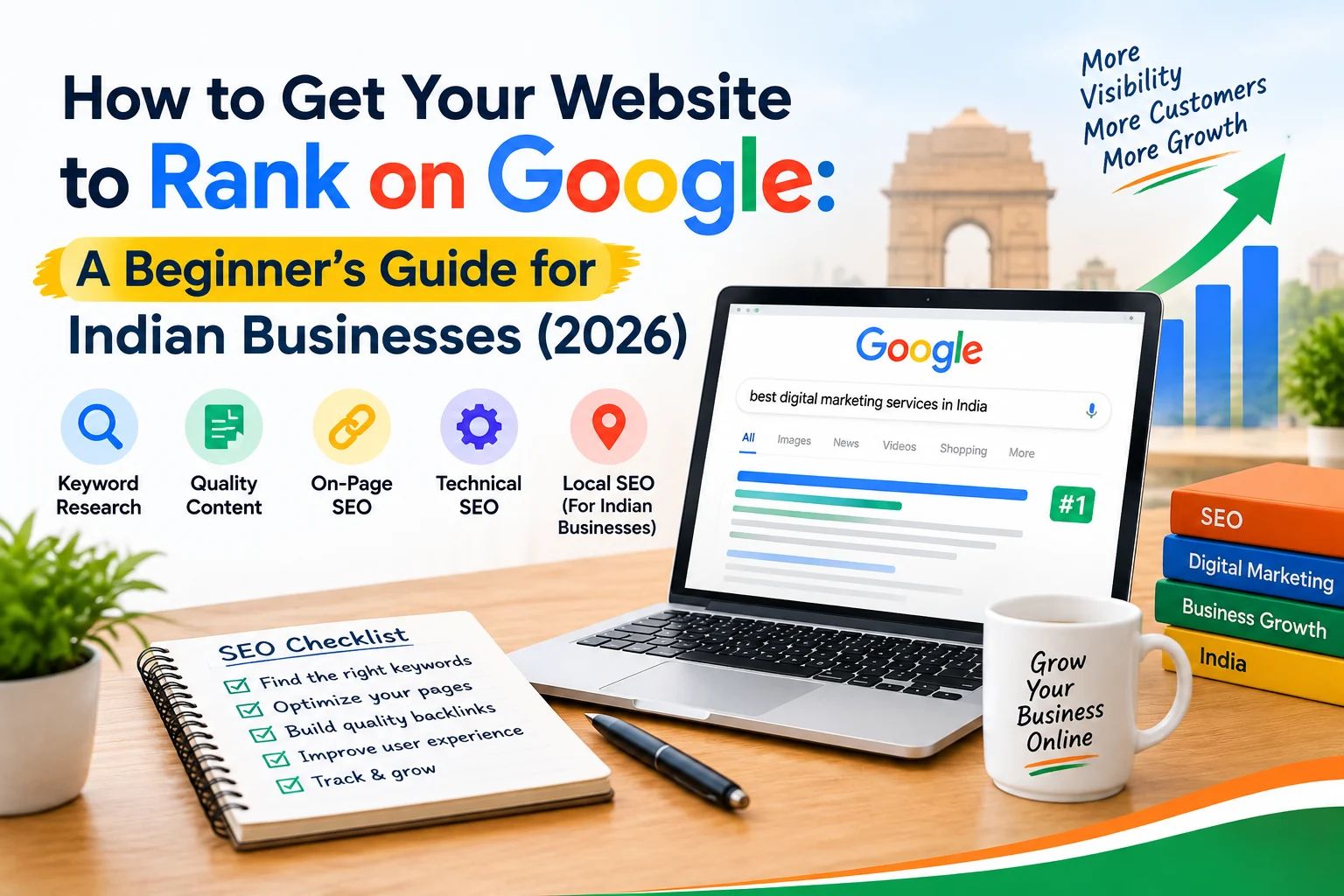
How to Get Your Website to Rank on Google: A Beginner's Guide for Indian Businesses (2026)
You built a website. You waited. Nothing happened.
No calls. No enquiries. Maybe a handful of visitors from people who already knew your business name. But nobody finding you through Google.
This is the reality for the majority of small business websites in India. Not because Google is unfair or because SEO is too complicated - but because most websites are built without understanding the basic principles that determine whether Google shows your site to anyone.
This guide changes that. It covers everything a business owner needs to understand about ranking on Google in 2026 - without the jargon, without the fluff, and without trying to sell you a ₹50,000 SEO package before you understand what you are buying.
First - Understand What Google Is Actually Trying to Do
Before any tactics, you need to understand Google's job.
Google's entire business depends on showing users the most relevant, trustworthy, and useful result for whatever they search. Every time someone searches something and finds a great answer, they trust Google more and come back. Every time they find a useless page, they trust Google less.
This means Google is constantly asking one question about your website:
"Is this page the best answer available for this search query?"
Everything in SEO flows from this. Your job is not to trick Google. Your job is to genuinely be the best answer for the searches your potential customers are typing.
When you approach SEO with that mindset, most of the tactics below become obvious rather than mysterious.
How Google Ranks Websites - The 3 Pillars
Google uses over 200 ranking signals, but they all fall into three categories:
- Relevance - Does your page actually answer what the user searched for?
- Authority - Does Google trust your website as a credible source?
- Experience - Is your website fast, secure, and easy to use?
Every SEO action you take improves one or more of these three things. Keep these pillars in mind as you read the rest of this guide.
Step 1 - Keyword Research: Find What Your Customers Are Actually Searching
The biggest mistake business owners make with SEO is optimising for keywords nobody searches, or keywords that are so competitive they have no realistic chance of ranking for them.
Keyword research is simply the process of finding the exact words and phrases your potential customers type into Google when they are looking for what you offer.
How to do basic keyword research for free
Google Autocomplete: Type the beginning of a search related to your business into Google and see what it suggests. These suggestions are based on real search volume.
For example, if you run a dental clinic, type "dentist in" and Google will suggest:
- dentist in south delhi
- dentist in rohini
- dentist in noida sector 62
- dentist near me connaught place
Every one of these is a keyword real people are searching right now.
Similarly, a gym owner in Gurugram might type "gym in" and find:
- gym in gurugram sector 57
- gym in dlf phase 2 gurugram
- best gym near me gurugram
These are your actual target keywords - not "gym" or "fitness" which are too broad to rank for.
Google's "People Also Ask" and "Related Searches": Search for your main keyword and scroll down. Google shows you related questions people ask and related searches at the bottom of the page. These are free keyword ideas directly from Google.
Free tools:
- Google Search Console (free, shows you what searches already bring people to your site)
- Ubersuggest (free tier available)
- AnswerThePublic (free searches per day)
- Keywords Everywhere (Chrome extension, paid but cheap)
How to choose the right keywords
Not all keywords are equal. Evaluate them on three factors:
Search volume - How many people search this per month? A keyword with 10 searches per month will not move your business even if you rank #1.
Competition - How strong are the sites currently ranking for this? A new clinic website cannot rank for "dentist india" but can rank for "dental clinic in vasant kunj south delhi."
Intent - What is the searcher trying to do? Someone searching "what is root canal" wants information. Someone searching "root canal cost delhi" is close to booking. Target keywords where the intent matches your business goal.
The keyword strategy for small businesses in India
Avoid: Broad, generic keywords - "doctor," "lawyer," "restaurant," "gym"
Target: Specific, location-based keywords - "gynaecologist in rohini delhi," "divorce lawyer in gurugram," "north indian restaurant in lajpat nagar," "CrossFit gym in sector 57 gurugram"
Local keywords have lower competition, higher buyer intent, and are far more realistic for a small business to rank for than national generic terms.
Step 2 - On-Page SEO: Tell Google Exactly What Your Page Is About
Once you know your keywords, you need to use them correctly on your pages. This is called on-page SEO.
Title Tag
The title tag is the blue clickable headline that appears in Google search results. It is one of the strongest on-page ranking signals.
Rules:
- Include your primary keyword naturally
- Keep it under 60 characters
- Make it compelling - people need to want to click it
- Every page on your site needs a unique title tag
Bad title tag:
Home | ABC Clinic
Good title tag:
Best Dental Clinic in South Delhi | Painless Treatment - Dr. Sharma
Meta Description
The meta description is the grey text that appears below the title in search results. It does not directly affect rankings but directly affects whether people click your result.
Rules:
- Keep it under 155 characters
- Include your keyword naturally
- End with a clear benefit or call to action
- Every page needs a unique meta description
Bad meta description:
We are a dental clinic offering various dental services in Delhi.
Good meta description:
Painless dental treatments in South Delhi - cleanings, root canals, implants. Same-day appointments available. Call now or book online.
Heading Structure (H1, H2, H3)
Google reads your page headings to understand what your content covers. Using headings correctly is one of the most commonly missed on-page SEO opportunities.
Rules:
- Every page should have exactly one H1 - your main topic, containing your primary keyword
- Use H2s for main sections of the page
- Use H3s for subsections within H2s
- Never skip heading levels (do not go from H1 directly to H3)
- Headings should read naturally - never stuff keywords awkwardly
Example structure for a dental clinic page:
H1: Best Dental Clinic in South Delhi - Painless Treatments
  H2: Dental Services We Offer
    H3: Teeth Cleaning & Whitening
    H3: Root Canal Treatment
    H3: Dental Implants
  H2: Why Patients Choose Dr. Sharma's Clinic
    H3: 15 Years of Experience
    H3: Same-Day Appointments
  H2: Patient Reviews
  H2: Frequently Asked Questions
The same logic applies to any business - a restaurant, a law firm, a coaching centre, a real estate agent. One H1, clear H2 sections, H3 subsections.
URL Structure
Your page URLs should be clean, readable, and contain your keyword.
Bad URL:
/page?id=47&cat=services
Good URL:
/services/dental-clinic-south-delhi/
Short, descriptive, keyword-containing URLs consistently outperform long, messy ones in search rankings.
Image Alt Text
Every image on your website should have an alt text - a short description of what the image shows. Google cannot see images, it reads alt text to understand them.
Bad alt text:
alt="IMG_20240312_143221"
Good alt text:
alt="Dr. Sharma performing a root canal treatment at South Delhi dental clinic"
Alt text also helps your images appear in Google Image Search - an often overlooked source of traffic for businesses like restaurants, interior designers, and salons.
Internal Linking
Internal links are links from one page on your website to another page on your website. They do two things:
- Help Google discover and crawl all your pages
- Pass ranking authority from strong pages to weaker ones
Every blog post you publish should link to at least one relevant service page. Every service page should link to related blog posts. This builds a connected web of content that Google can navigate and understand.
Step 3 - Technical SEO: Make Sure Google Can Find and Read Your Site
You can have the best content in the world, but if Google cannot properly crawl and index your website, you will not rank. Technical SEO fixes the foundation.
Mobile-First Design
Google uses mobile-first indexing - it crawls and ranks the mobile version of your site, not the desktop version. If your website is not properly optimised for mobile, your rankings suffer regardless of your content quality.
Check: Open your website on your phone right now. If you have to pinch to zoom, if buttons are too small to tap, or if the layout is broken - that is hurting your Google ranking today.
Page Speed
Google has confirmed page speed as a direct ranking factor. Slow websites rank lower. They also convert worse - every additional second of load time reduces conversions by approximately 20%.
How to check your speed: Go to pagespeed.web.dev and enter your URL. Google will give you a score from 0–100 and tell you exactly what is slowing your site down.
Target: 80+ on mobile. Anything below 60 is actively hurting your rankings.
Common speed fixes:
- Compress and convert images to WebP format
- Enable browser caching
- Use a CDN (Cloudflare has a free plan)
- Remove unnecessary plugins and scripts
- Use fast, reliable hosting - cheap shared hosting is often the #1 cause of slow sites in India
SSL Certificate (HTTPS)
Your website URL should start with https:// not http://. Google marks non-HTTPS sites as "Not Secure" and ranks them lower. Most hosting providers now include free SSL certificates - if yours does not have one, contact your host today.
XML Sitemap
An XML sitemap is a file that lists all the pages on your website and tells Google to crawl them. It is like a map of your site for search engine bots.
Most WordPress sites generate this automatically with an SEO plugin like Rank Math or Yoast. Submit your sitemap to Google Search Console once it is set up.
Google Search Console
Google Search Console is a free tool from Google that shows you:
- Which searches bring people to your site
- Which pages Google has indexed
- Any crawl errors or technical issues
- Your average position for different keywords
If you have not set up Google Search Console, do it today at search.google.com/search-console. It is free and it is the single most important SEO tool available to any business owner.
Step 4 - Content Strategy: Give Google a Reason to Keep Ranking You Higher
A single well-optimised service page can rank for a handful of keywords. But a website with a consistent content strategy - blog posts, guides, FAQs - can rank for hundreds of keywords and build compounding organic traffic over time.
Why content matters for rankings
Every blog post you publish is another page Google can index and rank. A restaurant in Lajpat Nagar publishing "Best North Indian Food in South Delhi - What to Order" can rank for that search query and bring in visitors who are actively looking for a place to eat.
A real estate agent in Gurugram publishing "Property Prices in DLF Phase 3 - 2026 Update" can rank for exactly that search and attract buyers researching before calling anyone.
Over time, as you publish more relevant content, Google sees your website as an authority on your topic. This lifts your rankings across all pages - including your service pages.
What content to create
Answer the questions your customers ask: Every question a customer has ever asked you before hiring you is a blog post. A lawyer gets asked "how long does a divorce take in India?" A clinic gets asked "is root canal painful?" A travel agent gets asked "best time to visit Manali?" These are real searches with real traffic.
Target local topics: "Best time to visit Manali from Delhi" will rank faster and attract more relevant traffic than "best time to visit Manali" - because the local version has less competition and more specific intent from your actual customers.
Be genuinely useful: Google's Helpful Content system specifically targets content written to rank rather than to help readers. Write for your reader first. Answer their question completely. Do not pad content with filler just to hit a word count.
How often to publish
Consistency beats volume. Two well-written blog posts per week for six months will outperform twenty rushed posts published in one week every time.
- Minimum: 1 post per week
- Ideal: 2 posts per week
- Too much if quality drops: More than 3 per week
Step 5 - Link Building: Build Your Website's Authority
Authority is one of Google's three ranking pillars - and it is primarily built through backlinks. A backlink is when another website links to yours.
Google treats backlinks like votes of confidence. A link from a high-authority, relevant website tells Google "this site is trustworthy and useful."
Not all backlinks are equal
- High value: Links from relevant, high-authority sites - industry publications, local news, established directories, partner businesses
- Low value: Links from random unrelated websites, link farms, paid link networks
- Harmful: Links from spammy sites, link schemes, irrelevant mass directories
Quality matters far more than quantity. One link from a well-known Indian business publication is worth more than 100 links from random websites.
How to get backlinks as a small business in India
Business directories:
- Google Business Profile (free, essential for every business)
- Justdial (free listing)
- Sulekha (free listing)
- IndiaMART (free company profile)
- Practo (for healthcare businesses)
- MagicBricks / 99acres (for real estate)
- Clutch.co and GoodFirms.co (for service agencies)
Content-based links: Write genuinely useful content that other websites want to reference. A comprehensive guide gets linked to by other bloggers, journalists, and businesses who find it useful.
Guest posting: Write articles for other relevant websites in your industry. Include a link back to your site in your author bio or naturally within the content.
Local press: Get featured in local business coverage. YourStory.com covers Indian entrepreneur and business stories and has very high domain authority. A feature there is worth dozens of directory links.
Partnerships: If you work with complementary businesses - a wedding photographer who refers clients to a bridal makeup artist, for example - ask them to link to your site and do the same for them.
Step 6 - Local SEO: Rank for Searches in Your City
If you serve customers in a specific city or area, local SEO is the highest-ROI activity available to you. It determines whether you appear when someone searches "dentist near me" or "interior designer in south delhi."
Google Business Profile
Your Google Business Profile is the single most important local SEO asset you have. It is what shows up in Google Maps and in the local "3-pack" that appears at the top of local search results.
To optimise your Google Business Profile:
- Verify your business address
- Choose the correct primary category
- Add all your services
- Upload at least 10 photos
- Get your customers to leave reviews - and respond to every one
- Post updates regularly (weekly if possible)
- Add your website URL
- List your service areas
A fully optimised Google Business Profile consistently outperforms a basic one in local search rankings. Businesses with 10+ reviews and regular posts rank significantly higher than those with no activity.
NAP Consistency
NAP stands for Name, Address, Phone number. Your business name, address, and phone number should be identical across your website, Google Business Profile, and every directory listing.
Even small differences - "Pvt Ltd" vs "Private Limited," or a different phone number format - can confuse Google and reduce your local rankings.
Local Schema Markup
Schema markup is code you add to your website that helps Google understand specific information about your business - your address, phone number, opening hours, service area, and reviews.
For local businesses, LocalBusiness schema tells Google exactly what you do and where you do it. This directly supports local rankings and can trigger rich results in search - star ratings, address, and phone number showing directly in search results without the user needing to click.
Step 7 - Measure What Is Working
SEO without measurement is guesswork. These are the metrics that actually matter:
Organic traffic - How many visitors come from Google search? (Google Analytics)
Keyword rankings - What position do you rank for your target keywords? (Google Search Console)
Click-through rate (CTR) - What percentage of people who see your result actually click it? If your CTR is low, your title tags and meta descriptions need work.
Impressions - How many times does your site appear in Google search results? Impressions growing before clicks is normal in the early months.
Conversions - How many visitors actually call, enquire, or buy? Traffic without conversions means your landing pages need work, not more SEO.
What to check and when:
- Google Search Console - weekly
- Keyword rankings - monthly
- Traffic trends - monthly
- Technical errors - monthly
How Long Does SEO Take to Show Results?
This is the question every business owner asks - and the honest answer is:
3–6 months to see meaningful movement. 6–12 months to see significant results.
This timeline assumes:
- Your website is technically sound
- You are publishing consistent, quality content
- You are building backlinks gradually
- You have set up Google Search Console and are monitoring performance
SEO is not a one-time task. It is an ongoing activity. The businesses that rank on page one of Google in competitive markets have been doing this consistently for years.
What you can expect month by month:
Month | What Typically Happens |
|---|---|
1–2 | Google crawls and indexes your new or updated pages. No visible ranking change yet. |
3–4 | You start appearing for long-tail, low-competition keywords. Small traffic increases. |
5–6 | Rankings for primary keywords start moving. Traffic growth becomes consistent. |
7–12 | Compounding effect kicks in. Each new piece of content builds on existing authority. |
12+ | Significant organic traffic. Ranking for competitive keywords becomes realistic. |
The Most Common SEO Mistakes Indian Businesses Make
1. Targeting keywords that are too broad and too competitive "Restaurant" will not rank for a new website. "North Indian restaurant in lajpat nagar" will.
2. Publishing thin content A 200-word service page with three bullet points is not going to rank against a competitor who has a detailed, comprehensive page answering every question a potential customer has.
3. Ignoring mobile Over 75% of web traffic in India comes from mobile. A desktop-first website in India in 2026 is actively choosing to rank lower.
4. No Google Search Console setup Flying blind. You need data to know what is working and what is not.
5. Expecting results in 4 weeks SEO is a 6–12 month investment. Businesses that quit after 2 months never see the results that compound from consistent effort.
6. Buying cheap backlinks Paid link schemes still get websites penalised. Google's spam detection is sophisticated. One manual penalty can take months to recover from.
7. Keyword stuffing Repeating your keyword 20 times on a page does not help rankings in 2026. It triggers spam filters. Use keywords naturally where they make sense.
8. Not updating old content A blog post with outdated information will eventually lose rankings to a more current piece. Review and update your top-performing content every 12 months.
Your SEO Action Plan - Start Here
If you have read this far and want to know exactly where to start, here is your priority order:
Week 1 - Foundation:
- [ ] Set up Google Search Console and verify your site
- [ ] Set up Google Analytics
- [ ] Install an SEO plugin (Rank Math or Yoast if on WordPress)
- [ ] Check your PageSpeed score on mobile - fix anything below 70
- [ ] Ensure your site is on HTTPS
Week 2 - On-Page:
- [ ] Write a keyword-containing H1 on every key page
- [ ] Write unique title tags and meta descriptions for every page
- [ ] Fix any duplicate title tags (Search Console flags these)
- [ ] Add alt text to all images
- [ ] Create a clean URL structure for all pages
Week 3 - Local:
- [ ] Set up or fully optimise your Google Business Profile
- [ ] Submit your site to Justdial, Sulekha, and IndiaMART
- [ ] Add LocalBusiness schema markup to your homepage
Week 4 onwards - Content:
- [ ] Publish 2 blog posts per week targeting specific local keywords
- [ ] Add internal links from every blog post to your service pages
- [ ] Begin building backlinks through directories and guest posts
Frequently Asked Questions
How long does it take to rank on Google in India?
For low-competition local keywords, 3–4 months with consistent effort. For competitive terms in major cities, 6–12 months minimum. There is no shortcut - any agency promising page one rankings in 2 weeks is either lying or using tactics that will get your site penalised.
Is SEO worth it for a small business in India?
Yes - it is the highest long-term ROI marketing activity available to a small business. Paid ads stop the moment you stop paying. SEO compounds over time. A page that ranks on page one can generate leads for years with minimal ongoing cost.
Do I need to hire an SEO agency or can I do it myself?
The basics covered in this guide - keyword research, on-page optimisation, Google Business Profile, content publishing - can be done by a motivated business owner with no technical background. Technical SEO and link building are where professional help becomes valuable. Start with what you can do yourself, then hire for what you cannot.
What is the difference between SEO and Google Ads?
Google Ads puts you at the top of search results immediately - but you pay for every click and disappear the moment your budget runs out. SEO builds organic rankings that generate free traffic over time but takes months to show results. Most businesses benefit from both - ads for immediate leads, SEO for long-term compounding traffic.
How do I know if my SEO is working?
Google Search Console is your primary tool. Look for increasing impressions (your site appearing in more searches), improving average position (ranking higher), and growing click-through rate (more people clicking your result). Traffic growth in Google Analytics confirms these signals are translating into real visitors.
What is the most important SEO factor in 2026?
Content quality and user experience. Google's algorithms have become sophisticated enough to distinguish genuinely helpful content from content written purely to rank. Write for your reader, answer their question completely, make your site fast and easy to use, and build real authority through genuine backlinks. These fundamentals have not changed - only Google's ability to measure them has improved.
Need help building an SEO-ready website or improving your current rankings? See our website development and SEO services or book a free consultation to discuss your specific situation.
The Author
Meraj Ahmad
Founder, developer, and SEO strategist with 10+ years of experience building websites and digital solutions. Worked with brands like Short Story Lovers, The Muthoot Group, and IFFCO.